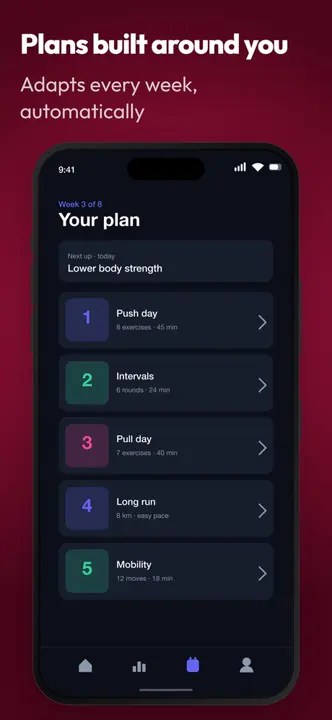
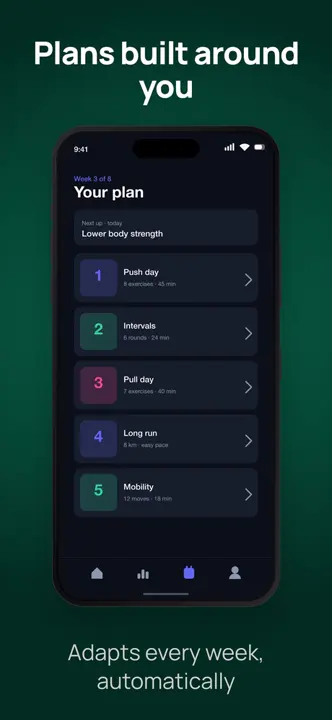
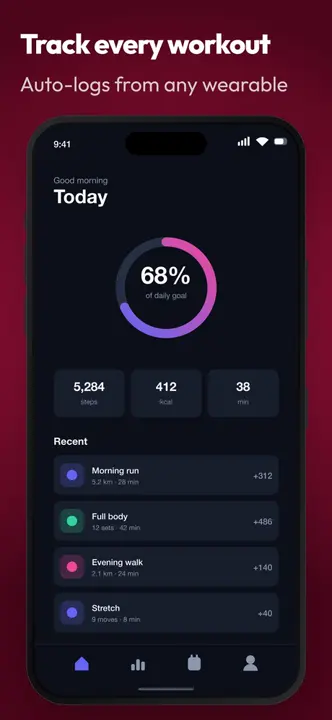
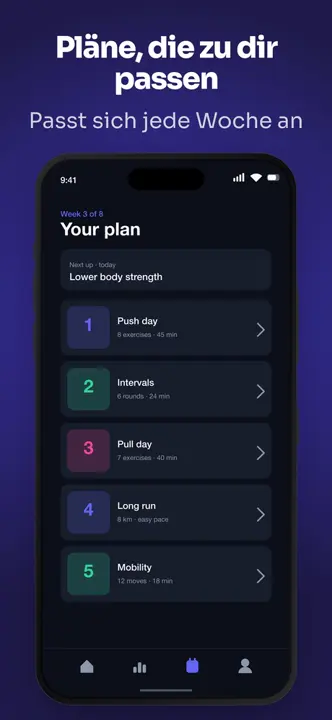
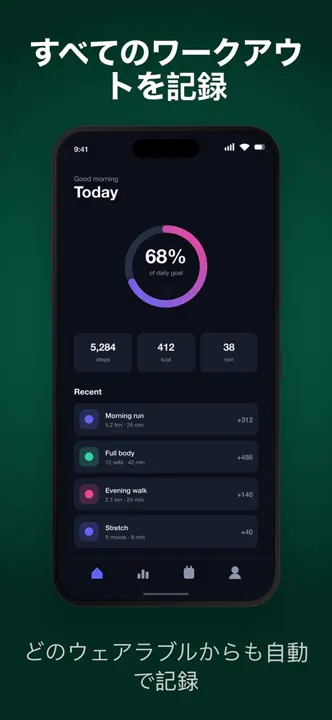
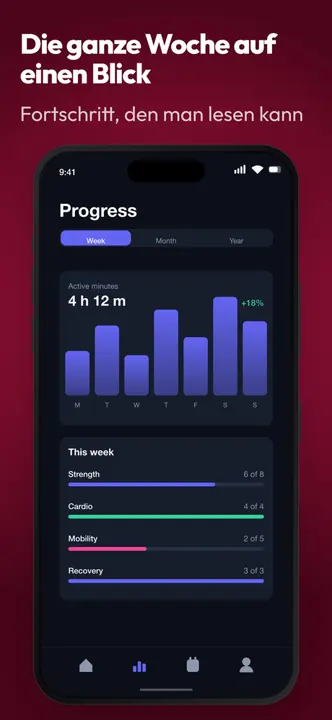
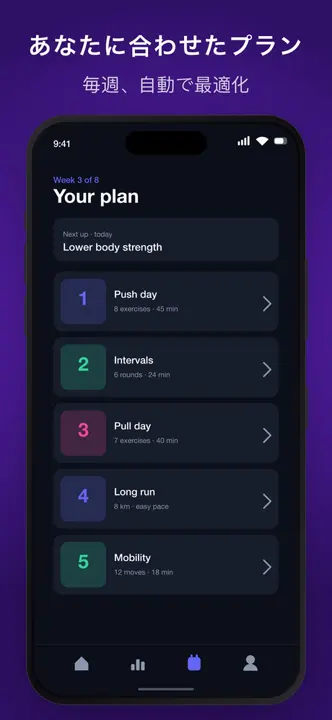
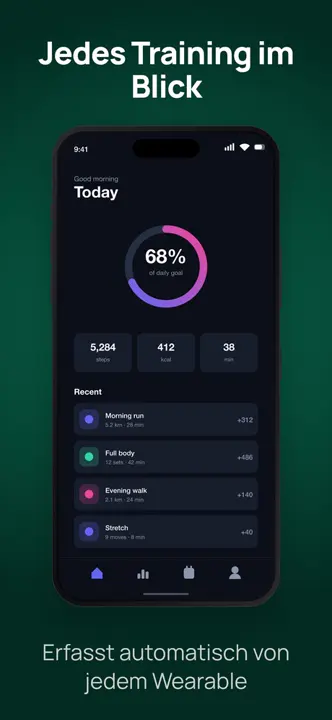
Every store size from one design
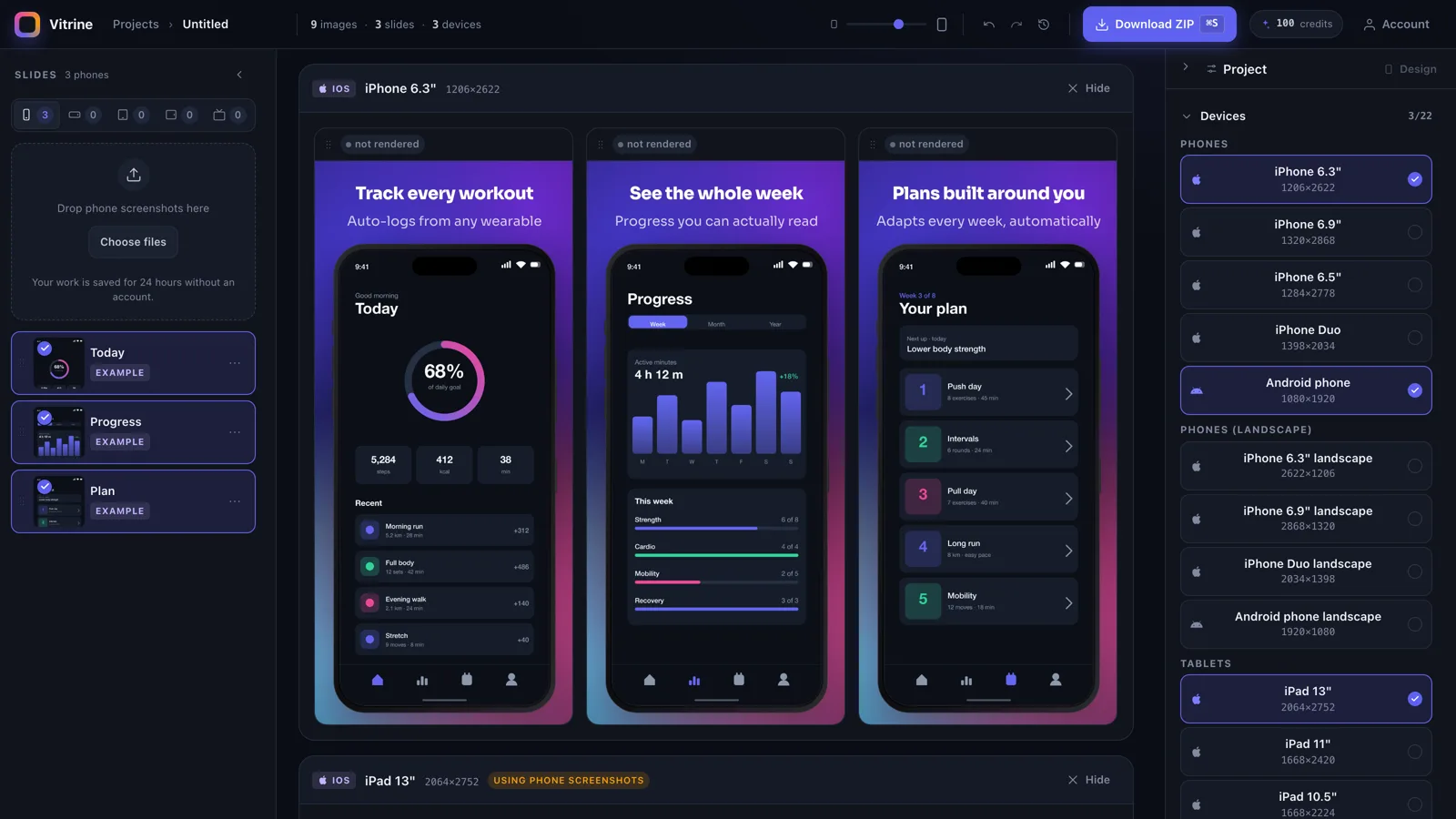
Tick the devices you need. Each slide is laid out for every one of them — no resizing by hand.
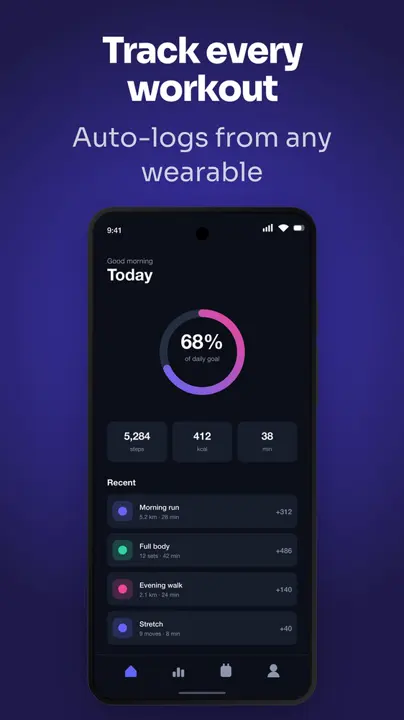
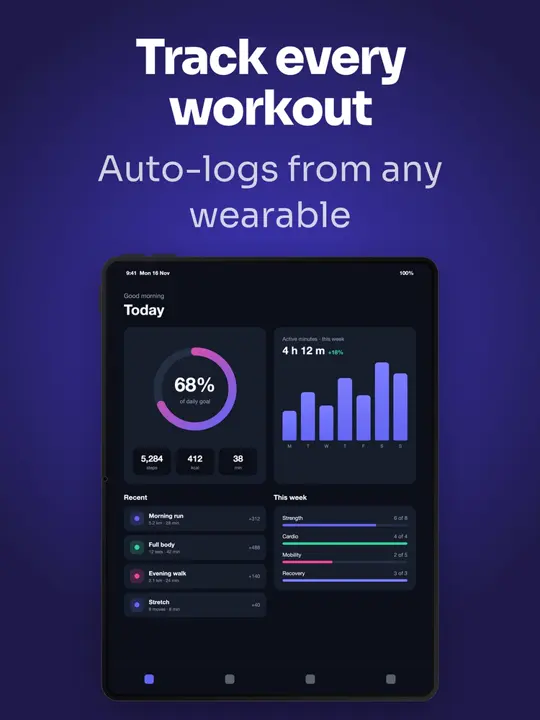
For indie app makers
Drop in your app screenshots, type your headlines, and download every App Store and Google Play size, in every language you sell in. No design tool. No design skills.
Plain screenshots from your phone or simulator. Vitrine puts them in a device frame for you.
Click the text on a slide and write. Pick a look, and the whole set restyles at once.
Every size and language as PNGs, ready to upload to App Store Connect and Google Play Console.
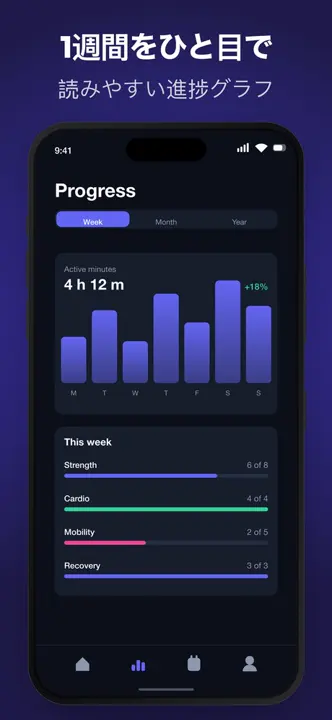
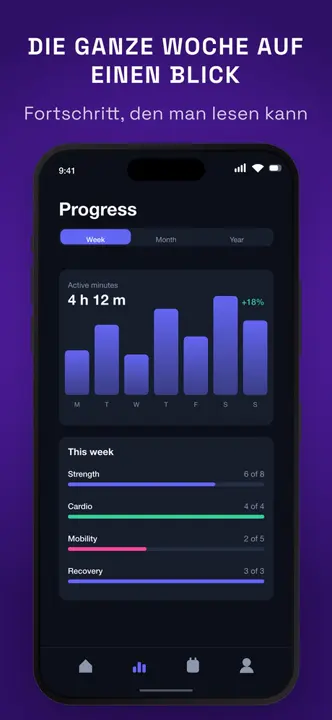
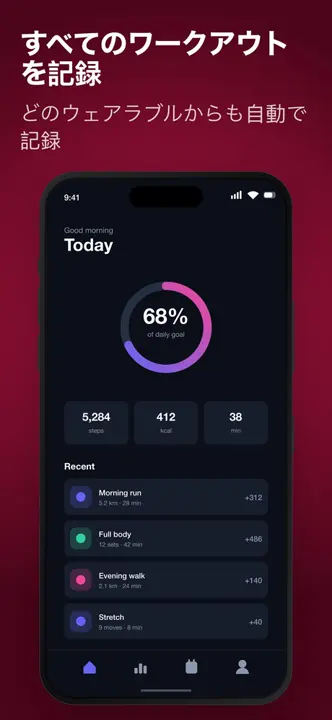
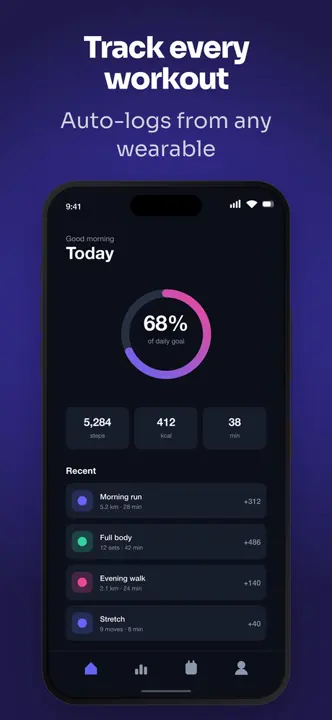
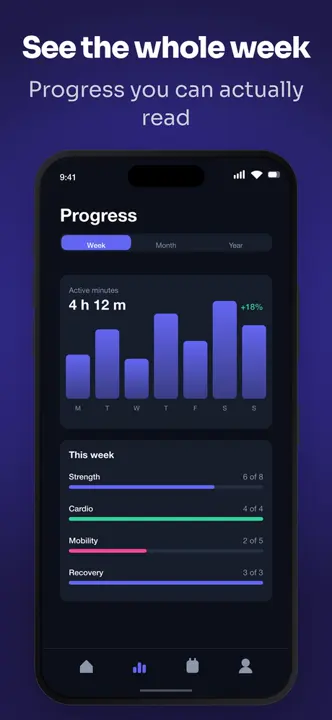
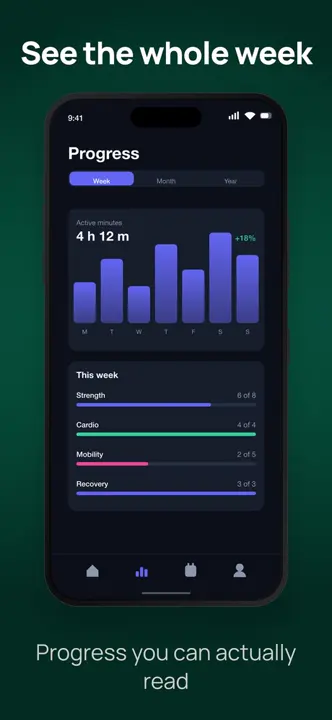
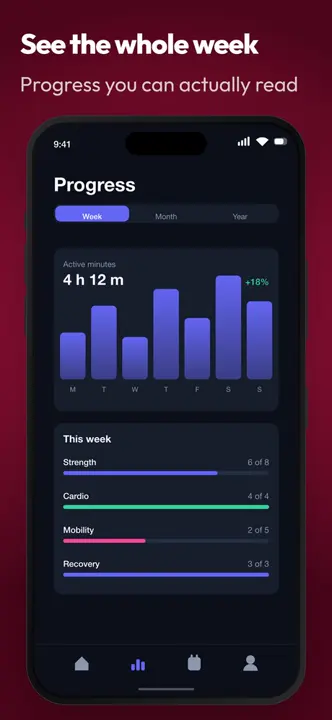
All of these came out of one project in Vitrine. Same slides, three languages, four looks.
Tick the devices you need. Each slide is laid out for every one of them — no resizing by hand.
Type your own translations for free, or let AI translate every slide in one go.
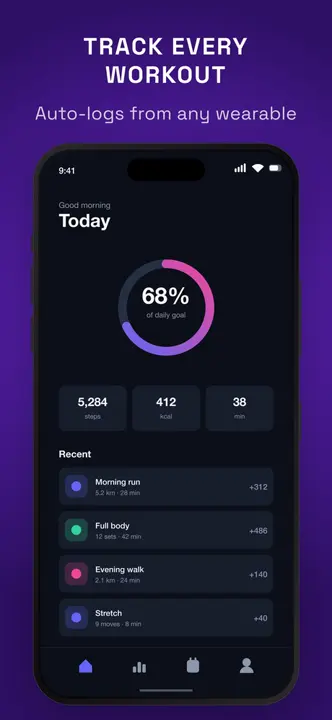
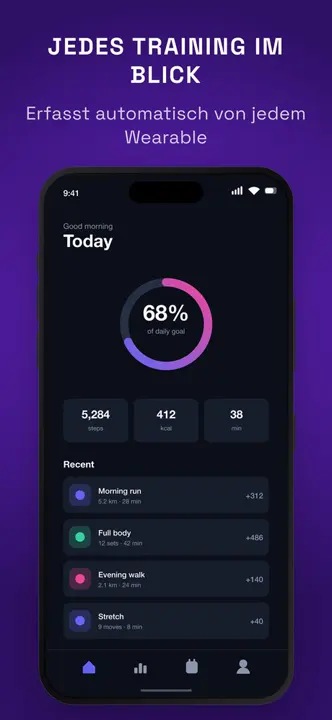
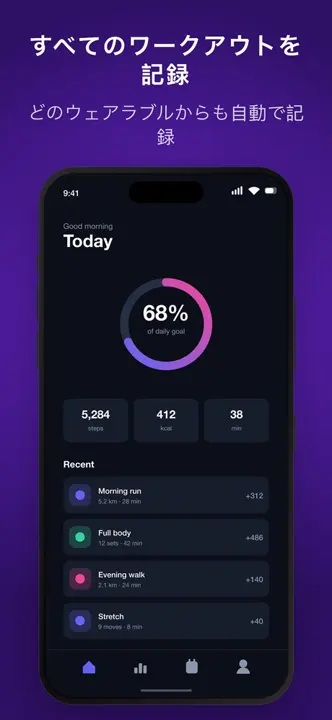
Ready-made looks restyle every slide, size and language together. Try them all in seconds.
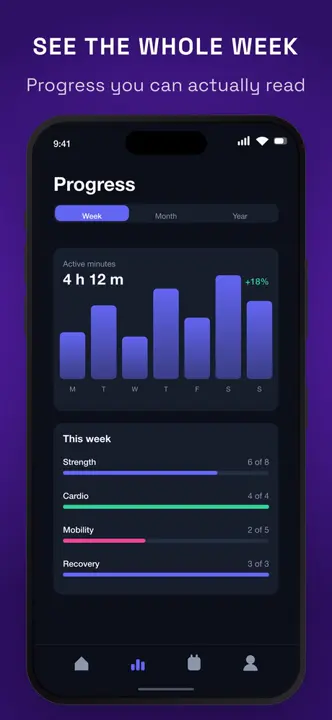
Every screenshot as a PNG at the exact pixel size each store asks for, in one folder per device. Upload and ship.
Store screenshots used to be a weekend job. Now it’s a coffee break.
The Vitrine Deck plugin reads your app’s repo and screenshots, designs the deck with the vitrine CLI, checks every slide against the stores’ rules and hands you a link to open it here.
Add the catalog and install the plugin, then ask “Make the store screenshots for this app” in your app’s repo.
/plugin marketplace add DrunkenDealer/claude-plugins
/plugin install vitrine-deck@mashlabThe editor’s engine in your terminal: start a deck from a folder of screenshots, check every slide, render PNGs and push the deck here. Needs Node.js 24+.
npm install -g github:DrunkenDealer/claude-code-vitrine-deck
npm explore -g vitrine -- npx playwright install chromiumNo subscription. Credits never expire.
$0
from $5
Yes. The editor, every size and every export are free, with no watermark. Credits pay only for AI translation, AI captions and projects after your first.
No. Pick a ready-made look, type your headlines and drop in your screenshots. Vitrine handles the layout, the device frames and every store size.
No. Start straight away: your work is saved for 24 hours without an account. Sign in any time to keep it.
iPhone 6.9″, 6.5″ and 6.3″, iPad 13″, 11″ and 10.5″, Android phones and 7″ and 10″ tablets, landscape versions, the App Store header and search result, and the Google Play feature graphic.
Type translations yourself for free, or have AI translate slides for credits. 37 languages are available.
The editor needs a computer. On a phone you can copy the link and open it there later.
A ZIP of PNG files at each store’s exact pixel size, in one folder per device.
Every App Store and Google Play screenshot size, explained →
Works in your browser on a computer.